How it works
From a script and a few takes to finished videos
Three screens, one main action each: Script, Studio, Review. Transcribing and matching run by themselves, in the background, after every take.
to the Mac App StoreComing soon
Free to download at launch. Every feature works; free exports are 720p with a small watermark. macOS 26 or later.
¶1 Script
Write the plan for every video
Paste or type the script. The Add menu inserts a hook version, a call-to-action version or a personal field like {first name}, so there is no syntax to learn. The inspector says what you'll get (“2 hooks × 2 calls to action = 4 videos”) and asks how you'll read it.
Hook AWe cut our onboarding from nine screens to two. Here is what we learned.
Hook BNine onboarding screens. Our customers used two of them.
Last spring, a new clinic took forty minutes to get started with Larkspur. Most of that time went on settings nobody needs on day one.
So we watched twelve clinics sign up and wrote down every question they asked. Almost all of them came down to two things: when they open, and who works when.
Now that is all we ask. Everything else waits until it matters, and a new clinic takes its first booking in under five minutes.
CTA AIf you run a clinic, try it free this month. The link is in the comments.
CTA BIf you build onboarding too, I would love to compare notes. Send me a message.
¶2 Studio
Read it at the lens
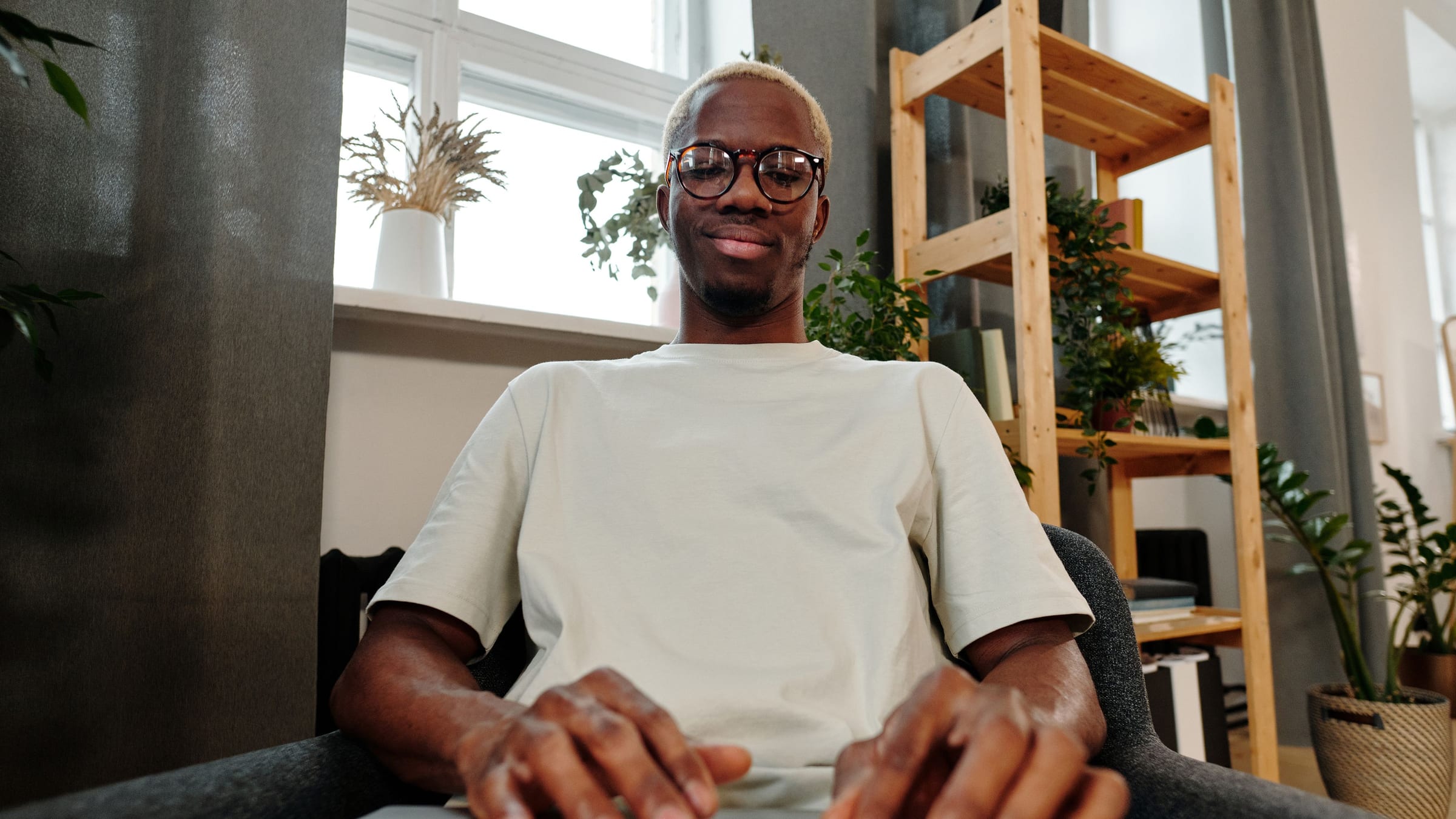
⌘R records. The prompter follows your voice under the camera and holds when you go off script. ⌘⇧R starts the sentence again in a new take; earlier takes are kept. Each take says what it was used for as soon as it stops: “Used for paragraphs 1 and 3”, or “Not used: paragraph 4 has a cleaner take”.
So we watched twelve clinics sign
up and wrote down every question they
asked. Almost all of them came
¶3 Review
Read the decisions, not a timeline
Every paragraph is listed with its take and a result: Clean, Check or No take, with the reason. What needs a look comes first. 1 to 9 picks another take; Record Paragraph Again goes back to the Studio for just that paragraph.
To check (2)
Matched the script (5)Hide
¶4 Export
Get the videos
Tick where they're going (LinkedIn & YouTube, Reels, TikTok and Shorts, a feed post, square), which versions, the caption look and the size. One button makes every file, named, in one folder, with SRTs beside them.
Reels, TikTok, Shorts
Cropped around your face as you move.
Save to
Launch post › Exports
Where is it going?
Versions
Captions
Size and quality
What happens underneath
- Transcription
- Apple's on-device speech engine transcribes each take as it stops, with word timings.
- Matching
- Each take is aligned word by word to the script. A take scores on how much of a paragraph it covers and how cleanly.
- Picking
- Each paragraph keeps its best take, or combines two when no single take covers it.
- Cutting
- Cuts land in the pauses between words, never mid-word.
- Determinism
- Same script and same takes give the same edit decision list, byte for byte. No model decides it.
Keyboard
| ⌘R | Record and stop |
| ⌘⇧R | Retake from the last sentence |
| Space | Pause; play in Review |
| ←→ | Previous or next paragraph (or person) |
| 1–9 | Pick a take in Review |
| ⌘E | Export now |
Questions
Common questions
Does my video leave my Mac?
No. Transcription runs on Apple's on-device speech engine and the edit runs on your Mac. There is no account and no upload. The only file that leaves is the one you send.
How is this different from Descript's Remove Retakes?
Descript looks for repeated phrases in its transcript. honmay has your script, so it knows what you meant to say: it checks every take against it, keeps the take that covers each paragraph best, catches skipped words, and shows the reason for each pick.
What if I don't read word for word?
Tell honmay how you'll read it: Word for word, Close to the script (the default), or In my own words. Small slips are fine. In your own words, the captions use what you actually said.
Won't the cuts look jumpy?
Cuts land in the pauses between words, never mid-word, and Review lists every paragraph with the take it came from, so you see each join before you export.